


How to make a live broadcast?
Question: How can I make a live broadcast on my webradio using everestcast from my computer?
Related to: WebRadio Streaming
Connection Instructions
To start a live broadcast on your webradio, you will need a live connection software with our everestcast server.
This is the audio encoder software.
After logging in to the everestcast control panel, we select from the left menu DJ's
We click Add DJ

On the new screen, we select
Broadcast using : Desktop
We add a photo (optional)
We fill in the name and code.

We click ADD Dj
Now we see the list of 2 DJs we have.
We click edit on the DJ we just created.
We will see that on the right side of the page there are instructions for the live connection software.

https://www.youtube.com/watch?v=isGWo2YrndE
Recommended connection programs
Free
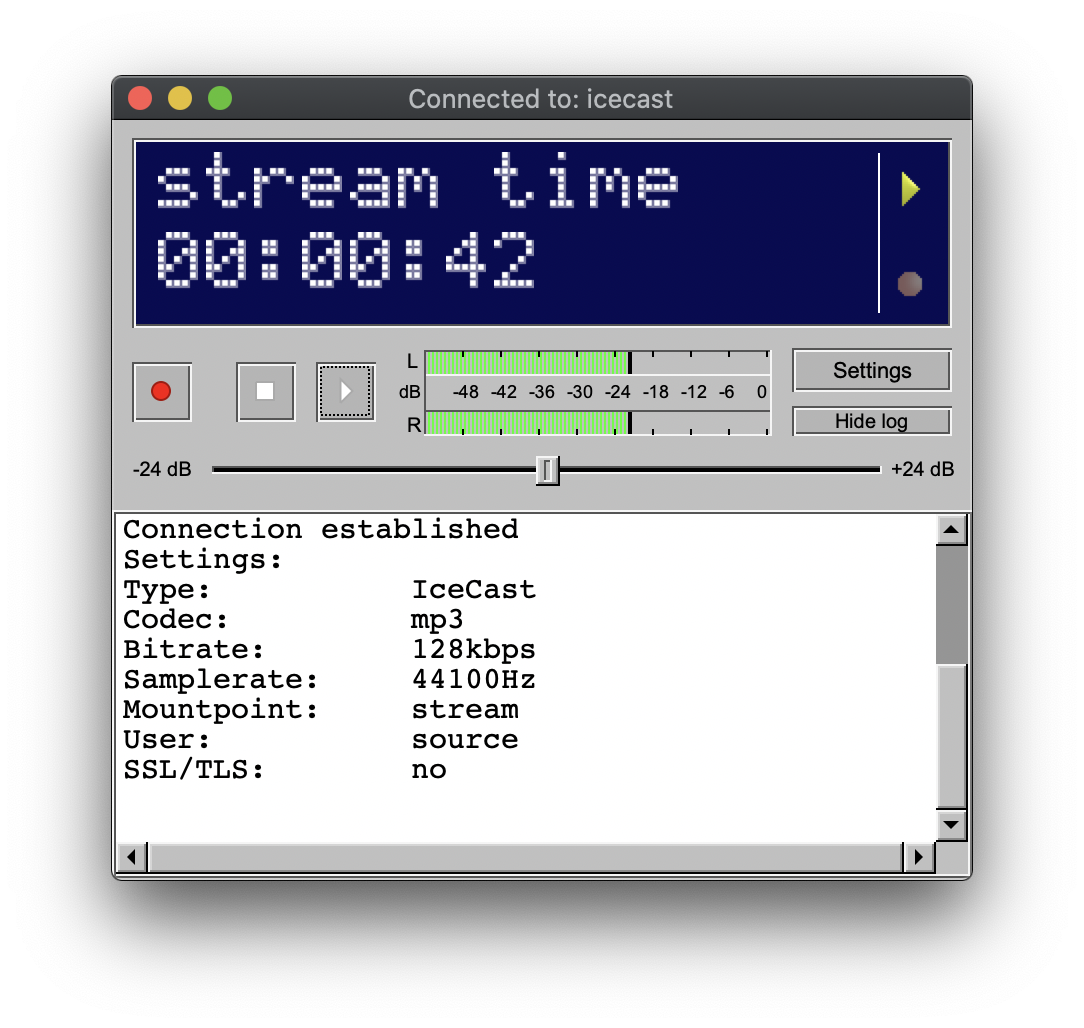
BUTT
Icecast and Shoutcast client for Mac, Windows and Linux
Manual [PDF]

MIXXX
Mixxx is free open-source software and entirely community-driven